Call or Whatsapp +254795900573


Disclosure: This post contains affiliate links. CalvanTech may earn a commission if you purchase through our links — at no extra cost to you. We only recommend tools we’d deploy for our own clients.
The most expensive cybersecurity mistakes for small businesses in Kenya aren’t exotic hacking techniques — they’re small, everyday gaps that go unnoticed until something goes wrong. A shared password. A skipped software update. A backup that was never actually tested.
Kenya recorded over 3.3 billion cyber threat events in the first quarter of 2026 alone, according to the national KE-CIRT/CC coordination centre — and the vast majority targeted the kind of basic infrastructure gaps this post covers. Cyber criminals don’t need sophisticated tools when a business has left the front door unlocked.
This guide walks through the seven most common cybersecurity mistakes we see Kenyan SMEs make, in roughly the order of impact, with a practical fix for each one you can start today.
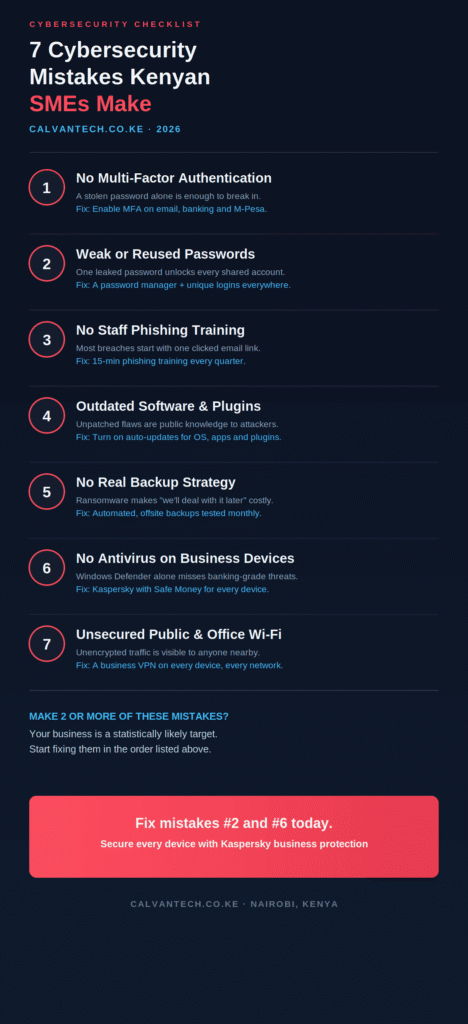
The 7 Cybersecurity Mistakes for Small Businesses in Kenya
Mistake 1: No Multi-Factor Authentication
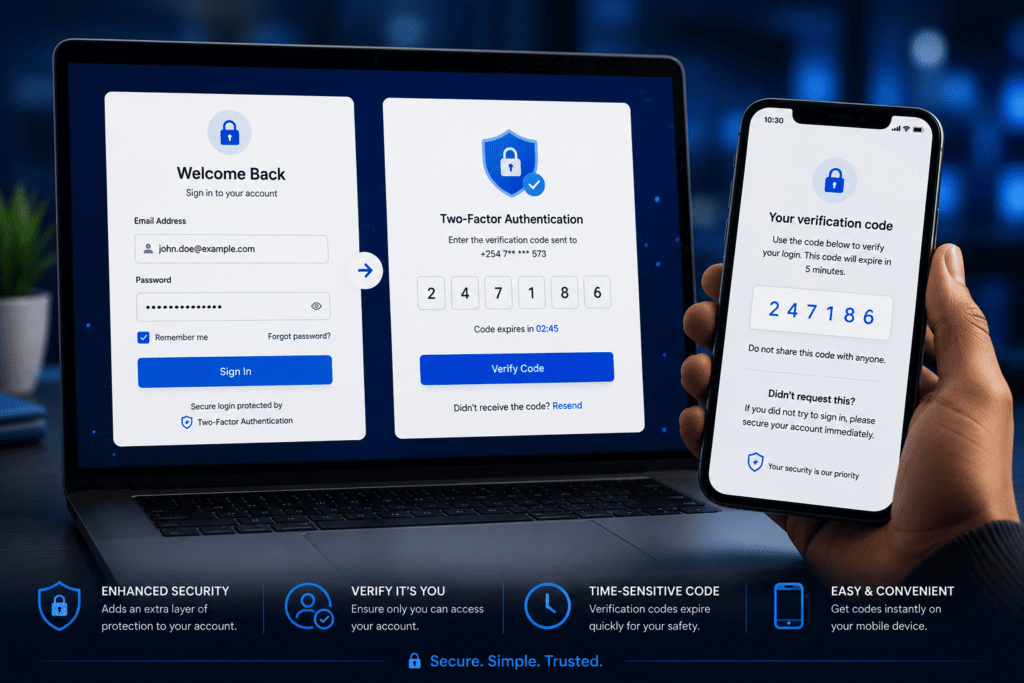
This is consistently the single most impactful gap we find when reviewing a Kenyan SME’s security setup. Multi-factor authentication (MFA) — sometimes called two-factor authentication or 2FA — requires a second proof of identity beyond just a password: a code sent to your phone, an authenticator app, or a biometric check.
Without MFA, a single leaked or guessed password is enough for an attacker to access your email, banking portal, or M-Pesa Business account. With MFA enabled, that same stolen password is useless on its own — the attacker still needs your phone.
The fix: Enable MFA today on every account that supports it — email first, then banking, M-Pesa Business, and any cloud software (Google Workspace, Microsoft 365, accounting platforms). Most Kenyan banks and Safaricom’s M-Pesa Business platform already support SMS-based or app-based two-factor authentication; it usually just needs to be switched on in account settings.
Mistake 2: Weak or Reused Passwords
The second most common mistake compounds the first. Many Kenyan businesses still use simple, guessable passwords — a company name plus “2026,” a phone number, or a single password shared across every staff login and every business tool.
The danger of reuse specifically: if any one of those services suffers a data breach (and many do, regularly, without your knowledge), every other account using that same password becomes vulnerable too. Attackers run automated tools that test leaked password lists against thousands of other login pages within minutes of a breach becoming public.
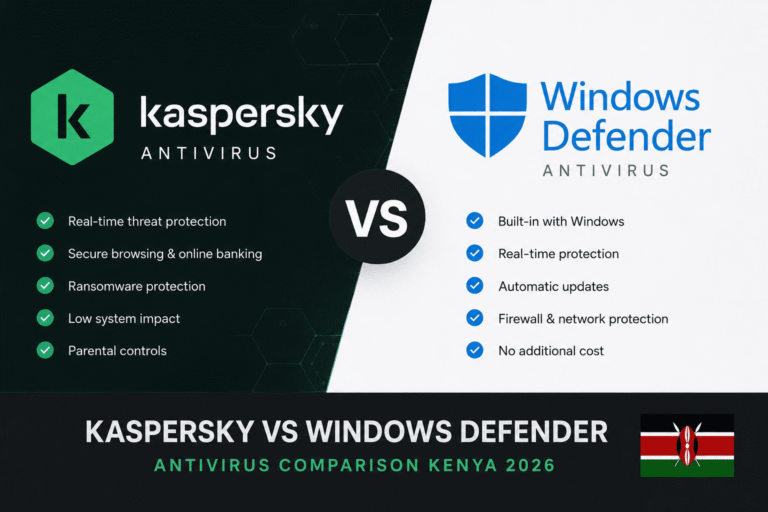
The fix: Use a dedicated password manager to generate and store a unique, strong password for every account. Kaspersky Plus and Premium plans include a built-in password manager as part of the subscription — meaning the antivirus and password management problem can be solved with a single tool. See our Kaspersky vs Windows Defender comparison for the full feature breakdown.
Mistake 3: No Staff Phishing Awareness Training
Most serious breaches don’t start with a sophisticated hack — they start with one staff member clicking a convincing fake email or WhatsApp link. Phishing emails impersonating banks, suppliers, or even colleagues remain one of the most effective attack methods precisely because they exploit trust and urgency rather than technical weaknesses.
In Kenya specifically, fake M-Pesa “confirmation” messages and WhatsApp-distributed phishing links are among the most common formats. A staff member who hasn’t been shown what these look like has no real chance of catching one under time pressure.
The fix: A 15-minute phishing awareness session every quarter, covering real examples relevant to Kenyan business communication. Cover the basics: checking sender addresses carefully, never entering credentials through a link in an unsolicited message, and verifying unusual payment requests by phone before acting.
Mistake 4: Outdated Software and Plugins
Every piece of software your business runs — Windows, your WordPress website, accounting software, point-of-sale systems — receives security patches because vulnerabilities are continuously discovered. Once a vulnerability becomes public knowledge, it’s only a matter of time before automated tools start scanning the internet for businesses still running the unpatched version.
Kenyan businesses running older versions of WordPress plugins, outdated POS software, or Windows installations that have postponed updates for months are leaving documented, publicly known security gaps wide open.
The fix: Turn on automatic updates wherever the option exists — Windows Update, WordPress core and plugin auto-updates, and your antivirus definitions. For business-critical software where automatic updates feel risky, schedule a monthly 30-minute review specifically to check for and apply pending updates.
Mistake 5: No Real Backup Strategy
Many Kenyan SMEs technically have backups — a folder copied to an external hard drive a few months ago, or files saved to a personal Google Drive account by one staff member. That’s not a backup strategy; it’s a single point of failure waiting to be discovered during an actual emergency.
Ransomware specifically targets the absence of a tested backup strategy. If an attacker encrypts your customer database, invoices, and accounting records, and your most recent backup is six months old or doesn’t actually restore correctly, you’re left negotiating with criminals or rebuilding from scratch.
The fix: Set up automated, offsite (cloud) backups that run daily without requiring manual action, and — critically — actually test a restore at least once per quarter. A backup nobody has ever tried to restore is not a verified backup. Both WP Engine and SiteGround, covered in our web hosting comparison for Kenya, include automatic daily backups as part of managed hosting.
Mistake 6: No Real Antivirus on Business Devices
Windows Defender, built into every Windows PC, is a reasonable free baseline — but it lacks features that matter specifically for business use, particularly around banking and payment security. Many Kenyan SMEs run no dedicated antivirus at all, relying entirely on whatever came pre-installed.
The gap that matters most: Windows Defender has no equivalent to an isolated, hardened browsing mode for financial transactions. For a business processing M-Pesa payments or online banking daily, that’s a meaningful exposure.
The fix: Install dedicated antivirus software with business-relevant features — specifically, look for ransomware rollback protection and an isolated banking browser mode. Kaspersky’s Safe Money feature directly addresses M-Pesa and online banking security, available from roughly KES 3,000–4,000/year for up to 5 devices from Kenyan resellers. See our full Kaspersky vs Windows Defender breakdown for the detailed comparison.
Mistake 7: Unsecured Public and Office Wi-Fi
The final common mistake involves how your team connects to the internet in the first place. Office Wi-Fi networks still running default router passwords, and staff regularly connecting to public Wi-Fi in cafés or co-working spaces without protection, both expose business data to anyone else on the same network.
Unencrypted traffic over public Wi-Fi can be intercepted by anyone nearby running basic, freely available tools — capturing login credentials, emails, and other sensitive data as it travels across the network.
The fix: Secure your office router with a strong, unique password and updated firmware (see our guide to spotting a hacked business Wi-Fi for the warning signs). For staff working outside the office, a VPN encrypts traffic on any network, public or private. Our NordVPN review for Kenya covers the practical setup for a small team.
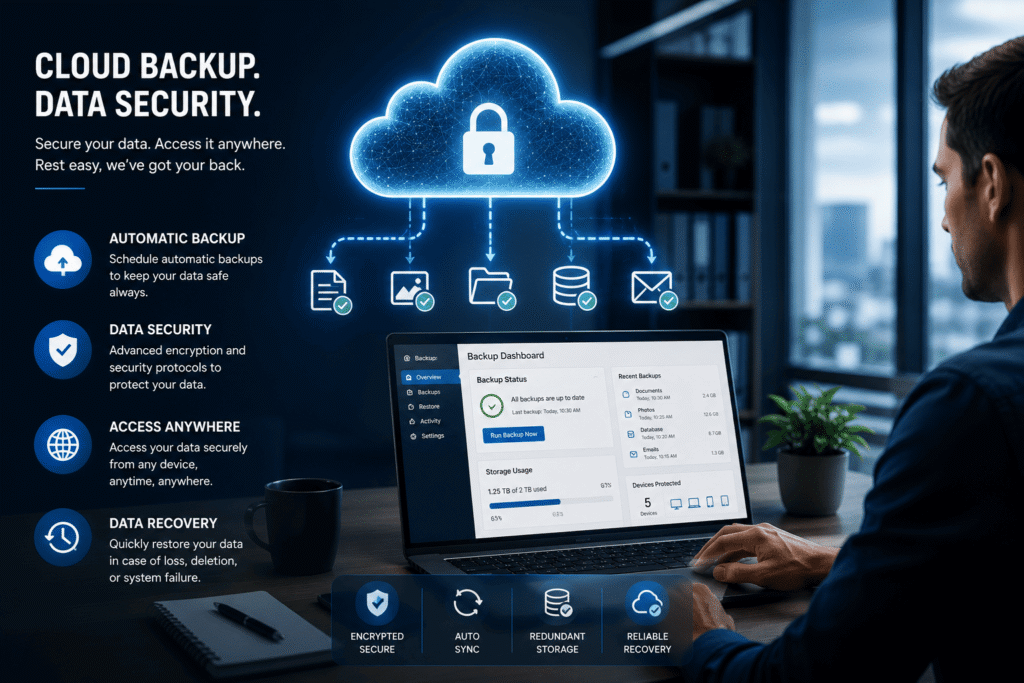
Cyber Security Solutions for Business: Where to Start
If your business recognised itself in two or more of the mistakes above, don’t try to fix everything simultaneously. Tackle them in order of impact:
This week: Enable MFA on email and M-Pesa Business (Mistake 1) — it takes minutes and closes the single biggest gap. Set strong, unique passwords on your most critical accounts (Mistake #2).
This month: Install proper antivirus software with banking protection (Mistake 6) and set up automated, tested backups (Mistake 5).
This quarter: Run your first staff phishing awareness session (Mistake 3), audit your office Wi-Fi security and roll out a VPN for remote staff (Mistake 7), and establish a monthly software update review (Mistake 4).
This sequencing matters: MFA and password hygiene cost nothing and close the highest-probability attack vectors immediately. Backups and antivirus require a small budget but protect against the most financially damaging outcomes. Training and infrastructure changes take longer to implement but build lasting resilience.
Frequently Asked Questions
What is the most common cybersecurity mistake small businesses make in Kenya?
The absence of multi-factor authentication is consistently the most impactful gap. A stolen or guessed password alone is enough to access an account without MFA; with it enabled, the same compromised password becomes far less useful to an attacker.
How much does it cost to fix these cybersecurity mistakes?
Many of the highest-impact fixes are free — enabling MFA, creating strong unique passwords, and auditing your Wi-Fi router settings all cost nothing but time. Paid solutions like antivirus software (from ~KES 3,000–4,000/year for Kaspersky) and a VPN (from ~KES 450/month for NordVPN) address the remaining gaps at a modest, predictable monthly cost.
Is Windows Defender enough protection for a Kenyan small business?
For very low-risk personal use, yes. For a business handling M-Pesa transactions, online banking, or customer data daily, Windows Defender’s lack of a dedicated banking protection mode is a meaningful gap. See our detailed comparison for the full picture.
How often should a small business in Kenya update its cybersecurity practices?
Treat the basics — MFA, password hygiene, software updates — as ongoing, not one-time tasks. Schedule a recurring monthly check for pending updates, a quarterly phishing awareness refresher, and a quarterly backup restore test. Cyber threats and the fixes for them both evolve continuously.
What should I fix first if my business is making several of these mistakes?
Start with multi-factor authentication and password hygiene — both are free, take under an hour to implement, and close the highest-probability attack vectors immediately. Then move to antivirus and backups, which require a small budget but protect against the most costly outcomes like ransomware.
Final Thoughts
None of the seven cybersecurity mistakes for small businesses covered here require an IT department or a large budget to fix. Most start with a single setting toggle, a free password manager, or a 15-minute conversation with your team. The businesses that get hurt most by Kenya’s growing cyber threat landscape are rarely the ones lacking sophisticated defences — they’re the ones that never closed the basic gaps in the first place.
Start with MFA this week. Add proper antivirus and tested backups this month. Build the rest from there.
👉 Try Kaspersky — Close the Antivirus Gap Today
Related reading: Kaspersky vs Windows Defender: Which Protects Your Business Better? · Is Your Business Wi-Fi Safe? 5 Warning Signs · NordVPN Review for Kenya
SOURCES
- Kenya Q1 2026 cyber threats (3.3 billion events, KE-CIRT/CC): Techweez — https://techweez.com/2026/05/06/kenya-cyber-threats-q1-2026-report/
- Kaspersky Safe Money and password manager features: see Post #5 sources
- WP Engine / SiteGround backup retention: see Post #7 sources